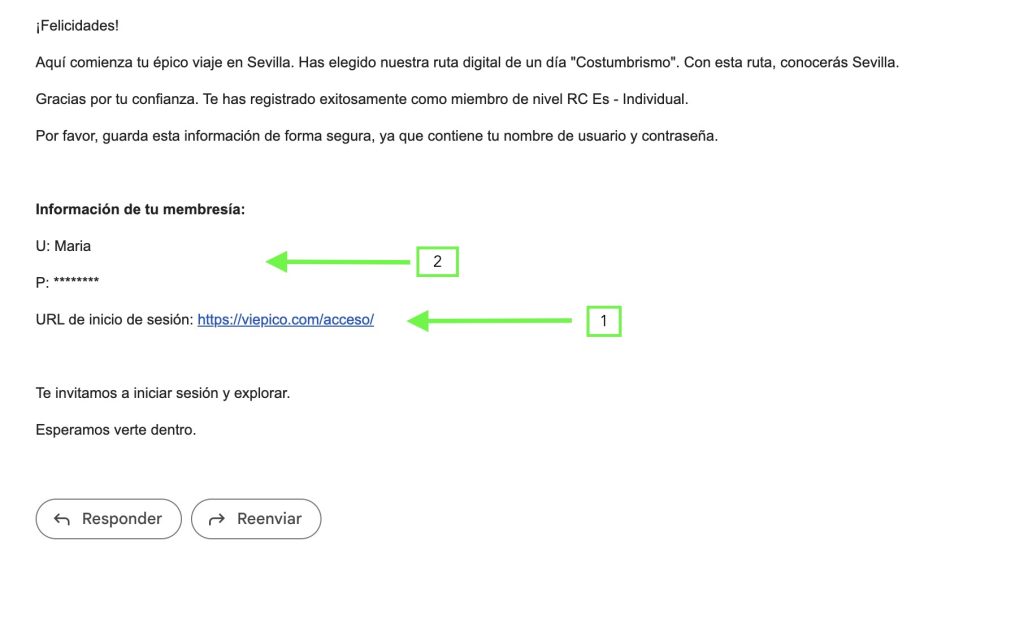
Very easy, just click on the link that you will find in our welcome email.
Image number 1: Click on this link to access.
Image number 2: Your username and password.
Access Panel
Once you are in this panel, enter your username and password.
We recommend that you save these details on your mobile phone, so that you do not have to enter them manually every time you want to access our products.
My panel
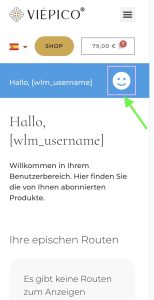
Once you are in your panel.
Click on your Menu “Face icon”.
Go to the tab “My purchases” here you will find the products you have purchased.
To start, just click on the name of the product you wish to enjoy, and it will immediately open on your mobile.
Remember that you must allow us your geolocation to be able to use our products.